



AI is the future



(And I’m a time traveler)



Modern design has evolved with AI, allowing me to harness its capabilities at every phase—from initial strategy to UI concepting and code handoff.
Below outlines my go-to AI tools and how I use them to keep every step of my design process efficient and effective.
01 - Explore
I use AI at the beginning of a project to break out of the blank-canvas mindset, explore different directions, and quickly test ideas before committing to a solution.
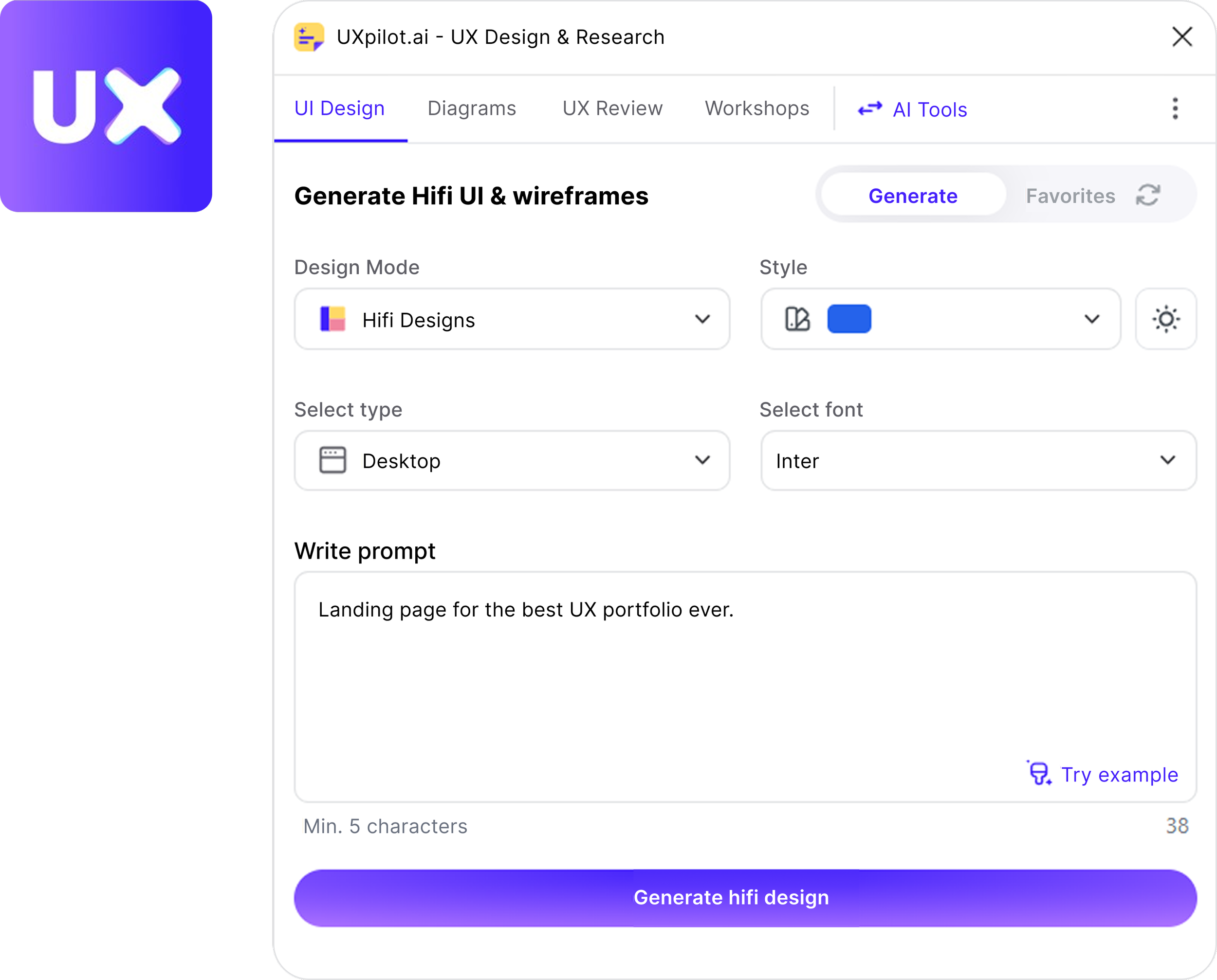
UXPilot
Wireframes · layout exploration · color palettes
ChatGPT
Brainstorming · UX exploration · research synthesis
Claude
Concept exploration · problem solving · interactive ideas.
02 - CREATE
Once I have a direction, AI helps me visualize, write, and iterate on ideas quickly—giving me more ways to evaluate a concept before refining the final experience.
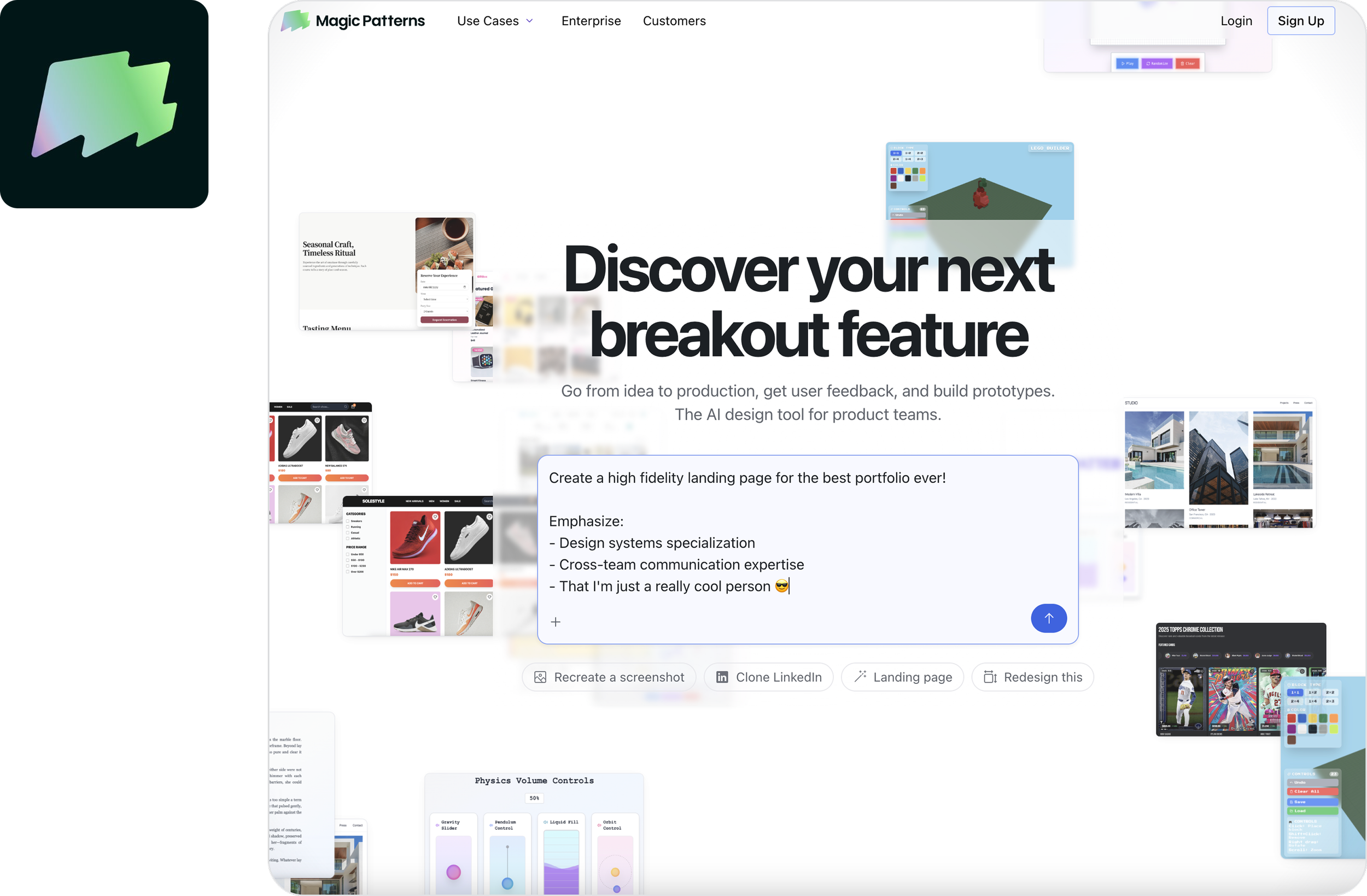
Magic Patterns
High-fidelity UI · layout exploration · editable Figma frames
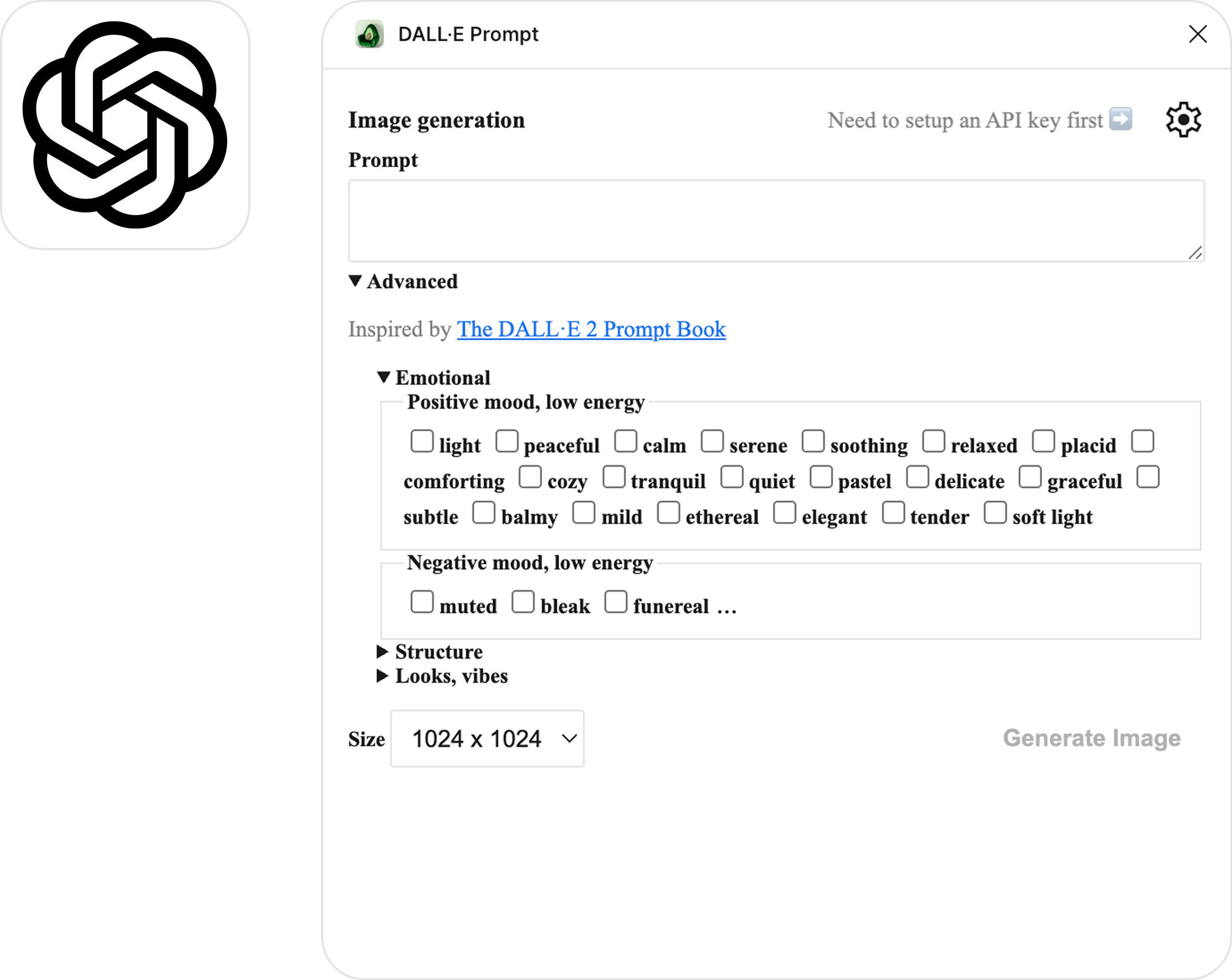
DALL·E
Custom imagery · visual assets · creative exploration
ChatGPT
UX copy · microcopy · content variations
03 — BUILD
I use AI to move beyond static screens and experiment with how an experience actually works, especially when exploring interactions, responsive behavior, and early prototypes.
Claude Code
Functional prototypes · code exploration · interactions
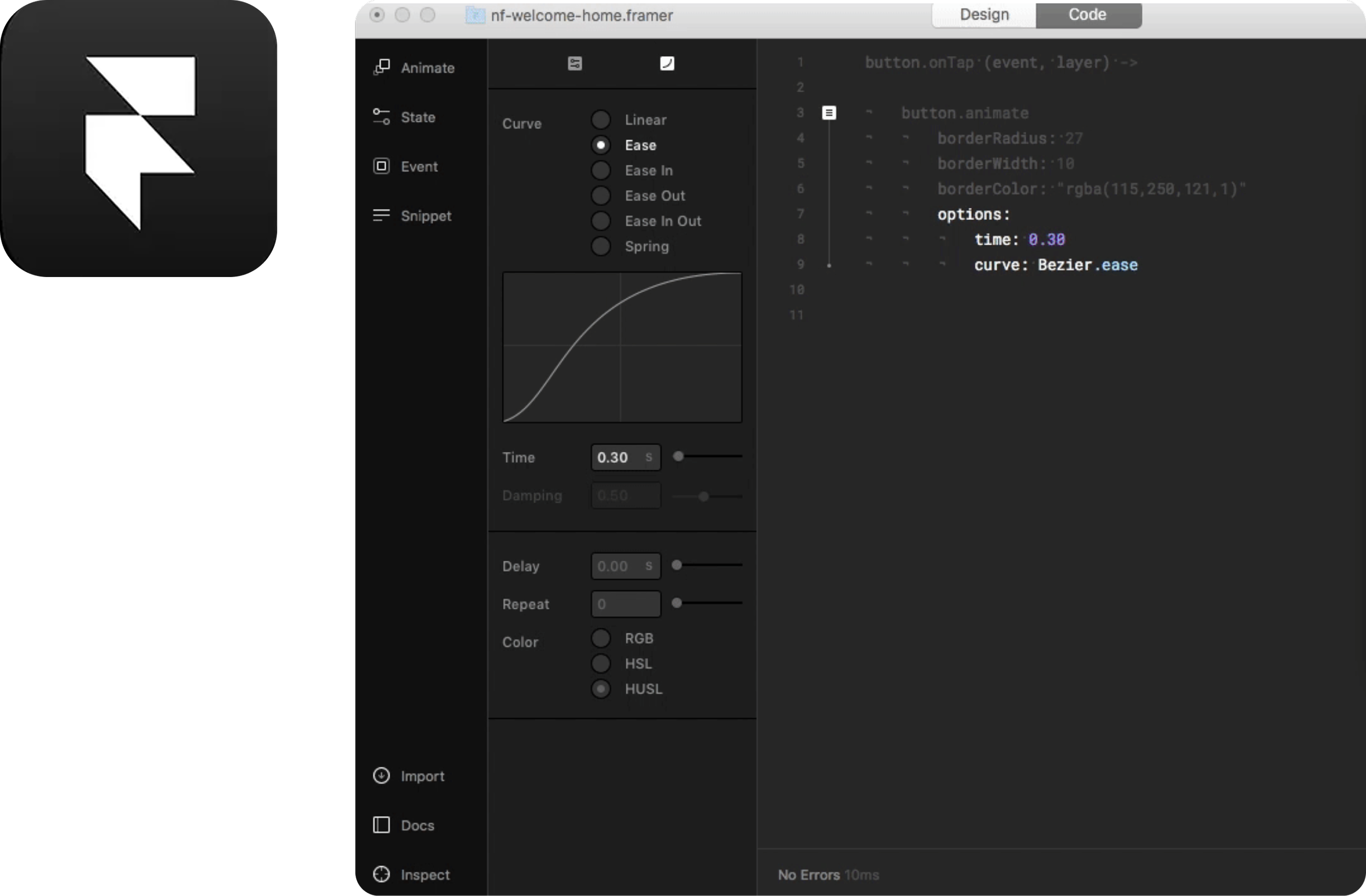
Framer
AI-generated feature replicas · near-code exploration · engineering specs
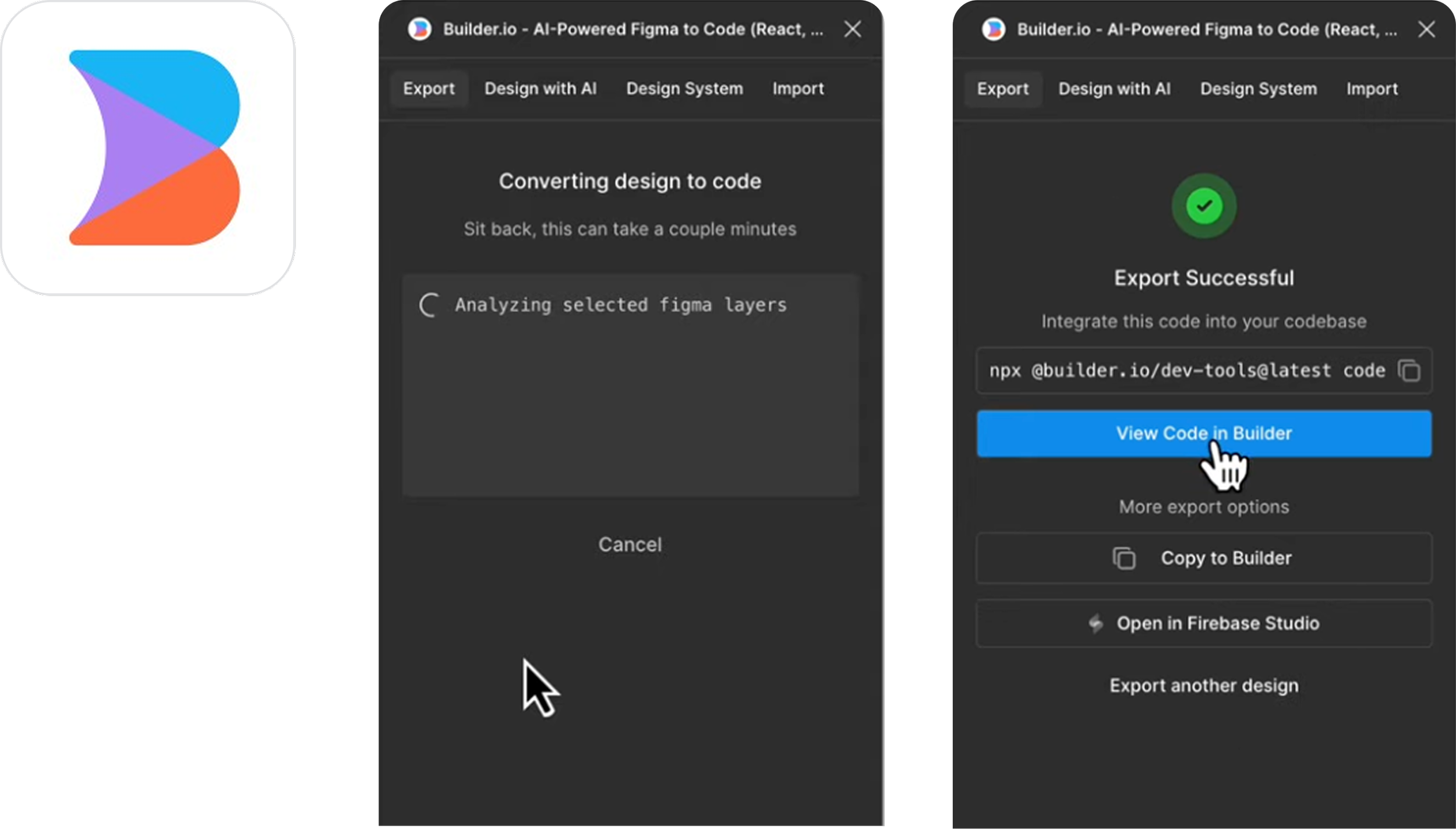
Builder.io / Framer
Interactive prototypes · responsive behavior · design-to-code exploration
04 — REFINE
AI is also useful after the initial design is built. I use it to challenge my decisions, catch gaps, and explore improvements before handing an experience off to development or calling it finished.
ChatGPT + Claude
UX critique · edge cases · accessibility considerations · content refinement
Figma AI
Iteration · repetitive tasks · design exploration
I’d love to chat with you!
Thank you so much for checking out my page!
If you are interested in collaborating, want to know more about my design process, or simply just want to chat, please don’t hesitate to reach out!